
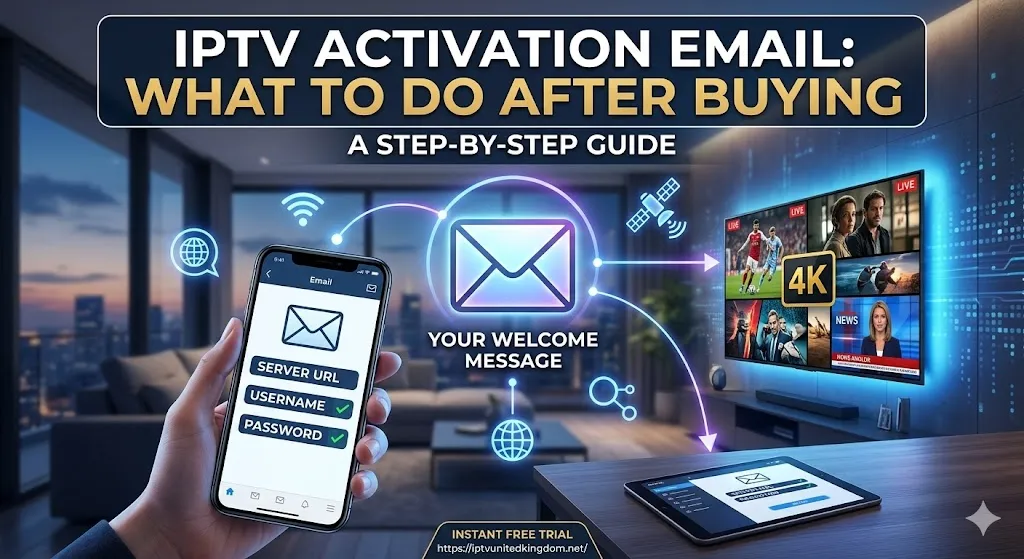
Congratulations on making the transition to modern digital broadcasting. After completing your purchase, you might be wondering how to bridge the gap between your payment confirmation and watching your favorite live broadcasts. The key to unlocking your new entertainment system lies in your inbox. This comprehensive iptv activation email guide is designed to walk you through the exact steps you need to take the moment your credentials arrive. If you are still researching providers and want a risk-free introduction to premium streaming, you can start today by visiting IPTV United Kingdom to claim your instant free IPTV trial.
Understanding Your Welcome Message
The communication you receive immediately following your purchase is the most important document in your streaming journey. Knowing what to look for and understanding the data provided will make the setup process completely stress-free.
Locating the Important Message
In most cases, the automated system dispatches your details within minutes of a successful transaction. However, because these messages contain complex URLs and login credentials, strict email filters sometimes redirect them to the spam or junk folder. The first step in any proper iptv activation email guide is to advise users to thoroughly check all inbox folders if the message does not appear in the primary tab within ten minutes.
Decoding the Provided Credentials
Once you open the message, you will be presented with a block of technical information. It is crucial to understand what these elements mean. You will typically see two primary methods for logging into your television application: the Xtream Codes API method and the M3U Playlist link.
The Xtream Codes format is the modern standard, breaking your login down into three simple components: a server URL (or portal address), a unique username, and a secure password. Alternatively, the M3U link is a single, long web address that contains all your login data embedded within it, generally used for older or more basic media player applications.
Step-by-Step Setup Using Your Credentials
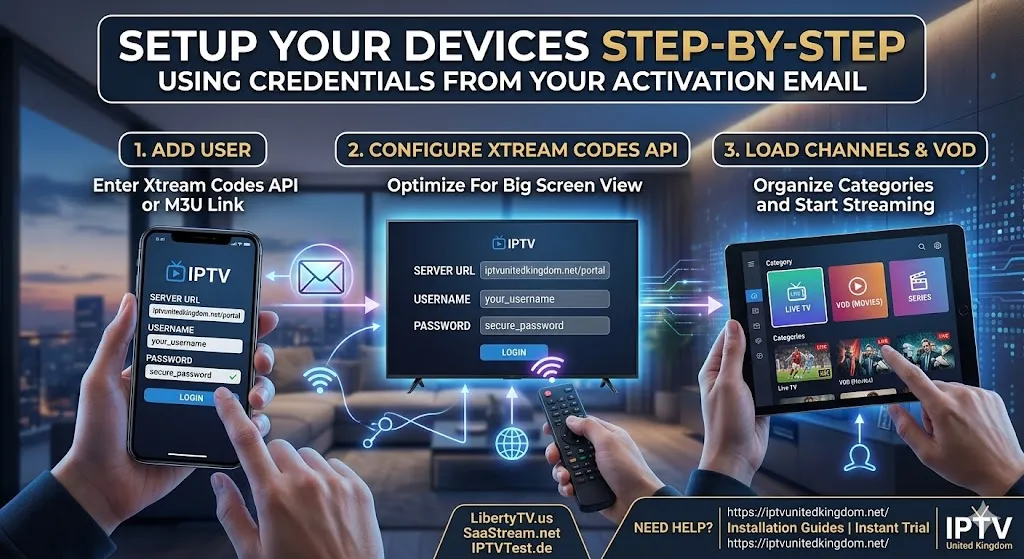
Equipped with the information from your inbox, you are now ready to link your account to your viewing device. A thorough iptv activation email guide requires clear instructions on how to input this data correctly.
Entering Xtream Codes API Details
For the vast majority of modern Smart TV applications, Firestick apps, and Android boxes, the Xtream Codes API is the preferred login method. Open your downloaded media player and select “Add User” or “Login with Xtream Codes.” Carefully type the exact Server URL provided in your message. Next, input your username and password. Pay close attention to capitalization, as these credentials are strictly case-sensitive. Once entered, click “Add User” or “Login,” and the application will connect to the server to download your live channels and movie libraries.
Utilizing the M3U Playlist Link
If your chosen application requires an M3U playlist, the process is slightly different. You will navigate to the “Add Playlist” section of your app and paste the entire, uninterrupted M3U link into the designated URL field. Because these links are exceptionally long, it is highly recommended to use a copy-and-paste function via a companion smartphone app or web portal if your media player supports remote configuration.
Experience Premium Streaming with IPTV United Kingdom
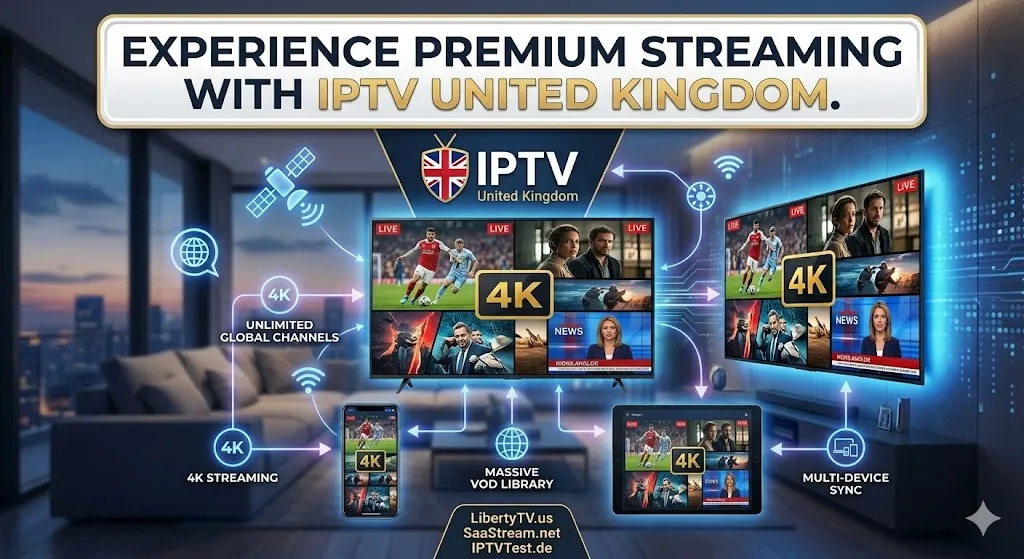
Applying the steps in this iptv activation email guide ensures a proper setup, but the quality of your viewing experience ultimately depends on your provider. IPTV United Kingdom sets the industry standard for excellence, ensuring that the credentials you receive unlock a world-class entertainment ecosystem.
When you activate an account with IPTV United Kingdom, you are guaranteed a superior digital experience. Subscribers immediately gain access to flawless 4K streaming, allowing for cinematic clarity on all live sporting events and premium movie channels. The service provides an unlimited selection of global channels, alongside an incredibly vast, frequently updated Video on Demand (VOD) library. Furthermore, IPTV United Kingdom is built on a foundation of strict multi-device compatibility, meaning the credentials you receive will work seamlessly across your television, tablet, smartphone, or desktop computer.
Expanding Your Knowledge and Network Stability
To ensure that your newly activated account runs smoothly, it is beneficial to understand the broader technical ecosystem and the resources available to you.
Official Configuration Resources and Business Opportunities
If you require hardware-specific instructions beyond this iptv activation email guide, you can find precise, device-by-device walkthroughs by visiting the official Installation Guides provided by IPTV United Kingdom.
Furthermore, once you are familiar with the activation process, you might recognize the business potential of digital broadcasting. The IPTV United Kingdom Reseller program allows entrepreneurs to generate their own activation messages and manage a custom client base using a premium, white-label dashboard.
Validating Quality Across the Digital Ecosystem
Understanding industry standards helps you maximize your setup. To share authority on network stability and streaming quality, it is highly recommended to consult recognized platforms in the digital broadcasting space. Websites such as LibertyTV and SaaStream offer valuable perspectives on server reliability and multi-regional content delivery. Additionally, consulting European testing platforms like IPTVTest can provide insights into maintaining low latency and high uptime, ensuring that the credentials you just activated connect to a robust and stable server.
Frequently Asked Questions
How long does it take to receive my activation details after paying? In the vast majority of cases, the automated system sends the message to your registered address within five to fifteen minutes of a successful transaction.
What should I do if my details are not working? First, double-check for any typographical errors. Passwords and usernames are highly case-sensitive. Ensure there are no accidental spaces before or after the URL. If the issue persists, contact your provider’s customer support.
Can I use the details provided on multiple devices at once? This depends entirely on the plan you purchased. If you bought a single-connection plan, using the credentials on a second device simultaneously will result in buffering or an account block.
What is the difference between an M3U link and Xtream Codes? Xtream Codes provide a cleaner, more organized login process using a portal URL, username, and password. An M3U link is a single, long URL containing all that data, often used for simpler, older player applications.
Why did my message go to the spam folder? Because the message contains complex server URLs, automated passwords, and network data, stringent email security filters often mistakenly flag the content as promotional or spam material.
Do I need a VPN to use the details in my activation message? While premium providers often have anti-blocking technology, using a VPN is recommended if your Internet Service Provider (ISP) is known to throttle or block third-party streaming servers.
Conclusion
Successfully transitioning to digital broadcasting is simply a matter of knowing how to handle the initial data you are given. By following this iptv activation email guide, you can confidently locate your credentials, understand the difference between Xtream Codes and M3U links, and input your data correctly for an optimal, buffer-free setup. Taking the time to properly configure your device guarantees immediate access to a limitless world of entertainment. Do not wait to upgrade your viewing standards. Visit IPTV United Kingdom today to request a free trial, receive your own welcome credentials, and experience the highest tier of global digital television available on the market.